Mobile ticketing
Your team, your tickets via the official app of the Sun Devils!
Before you arrive
Mobile tickets can easily be accessed using the Game Day app. Login one time to your ticket account to access all your tickets to all upcoming events.
.webp)
Don't have the app?
If you do not have the app, download now for free on your mobile device.
To prepare for Game Day, we recommend the following:
- In advance of Game Day, add your tickets to your Mobile Wallet. If there are time changes to the game, they will automatically be adjusted if the ticket is in your wallet. Also, by having your tickets already in your wallet, you can avoid slow or weak wi-fi/cellular signals at the stadium.
- If you are attending with guests, transfer each person their individual ticket in advance.
Full step-by-step instructions on how to access, transfer and resell your tickets are listed below as well as answers to frequently asked questions.
Access your tickets
- Open the Sun Devil Game Day app.
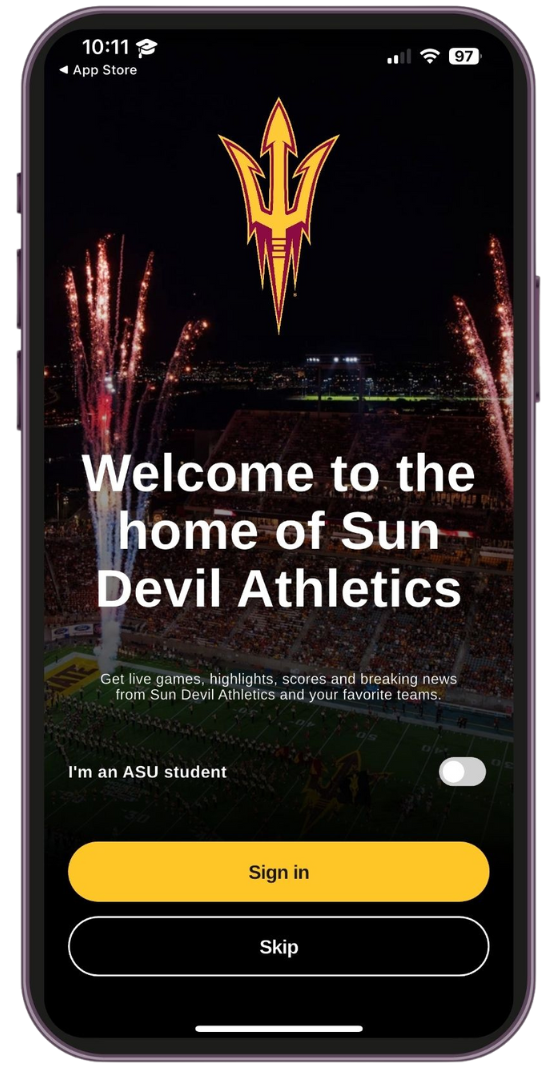
The Ticketmaster interface will appear. Enter your Ticketmaster credentials to access your tickets.
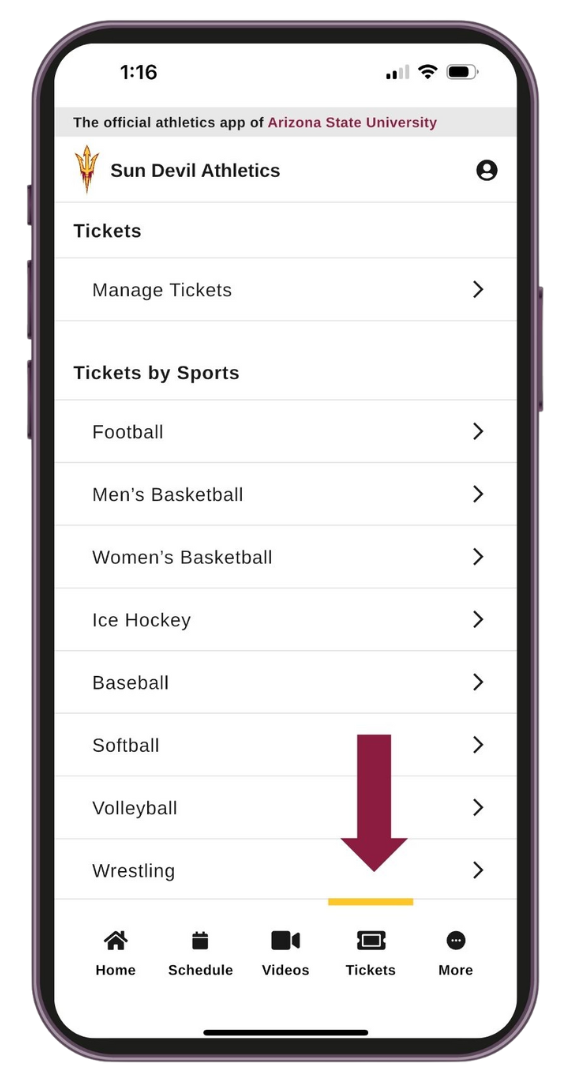
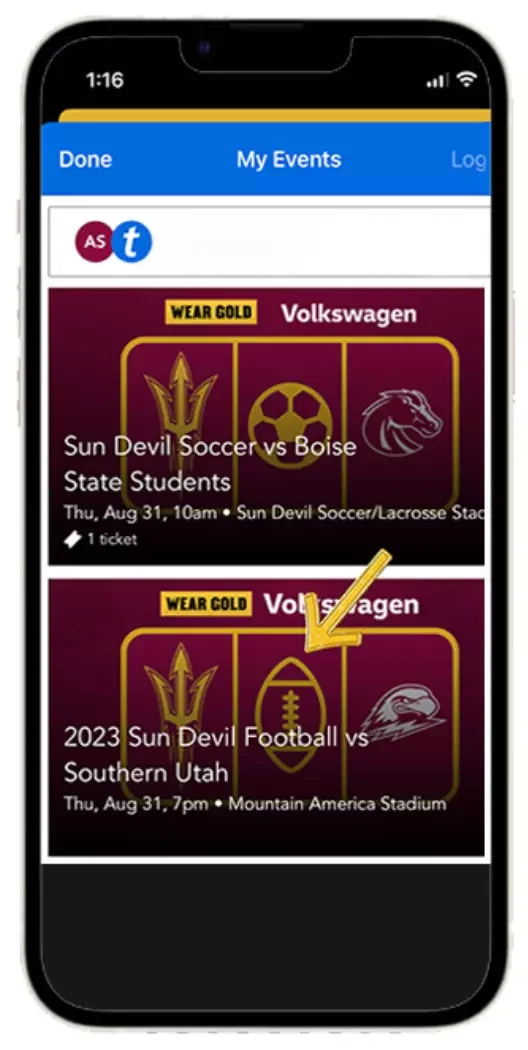
- In the bottom right hand corner of the app main menu, select "Tickets."
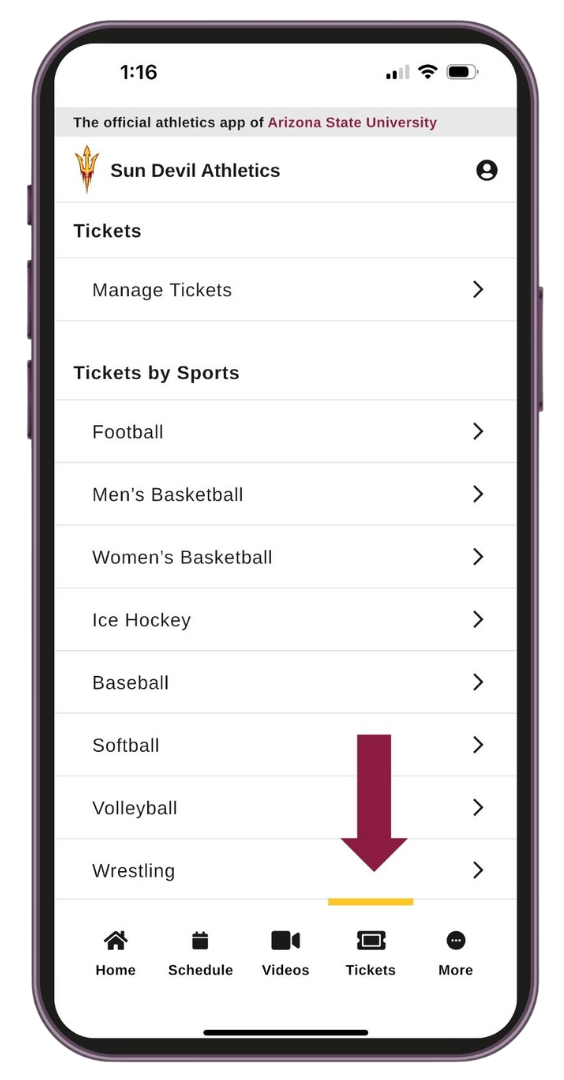
Your tickets will appear in the app interface.
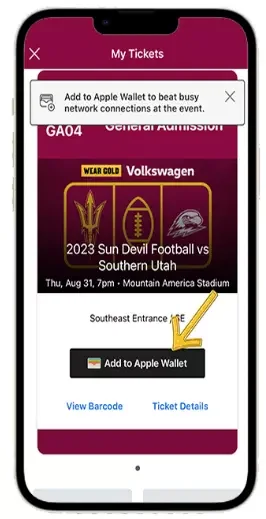
- Sun Devil Athletics highly encourages fans to add your mobile tickets to your phone wallet to beat busy network connections at the entrance gates.
Transfer your tickets
Please follow these instructions for parking pass transfers as well.
Select desired game from your events. Click the 'Transfer' button on the left side.
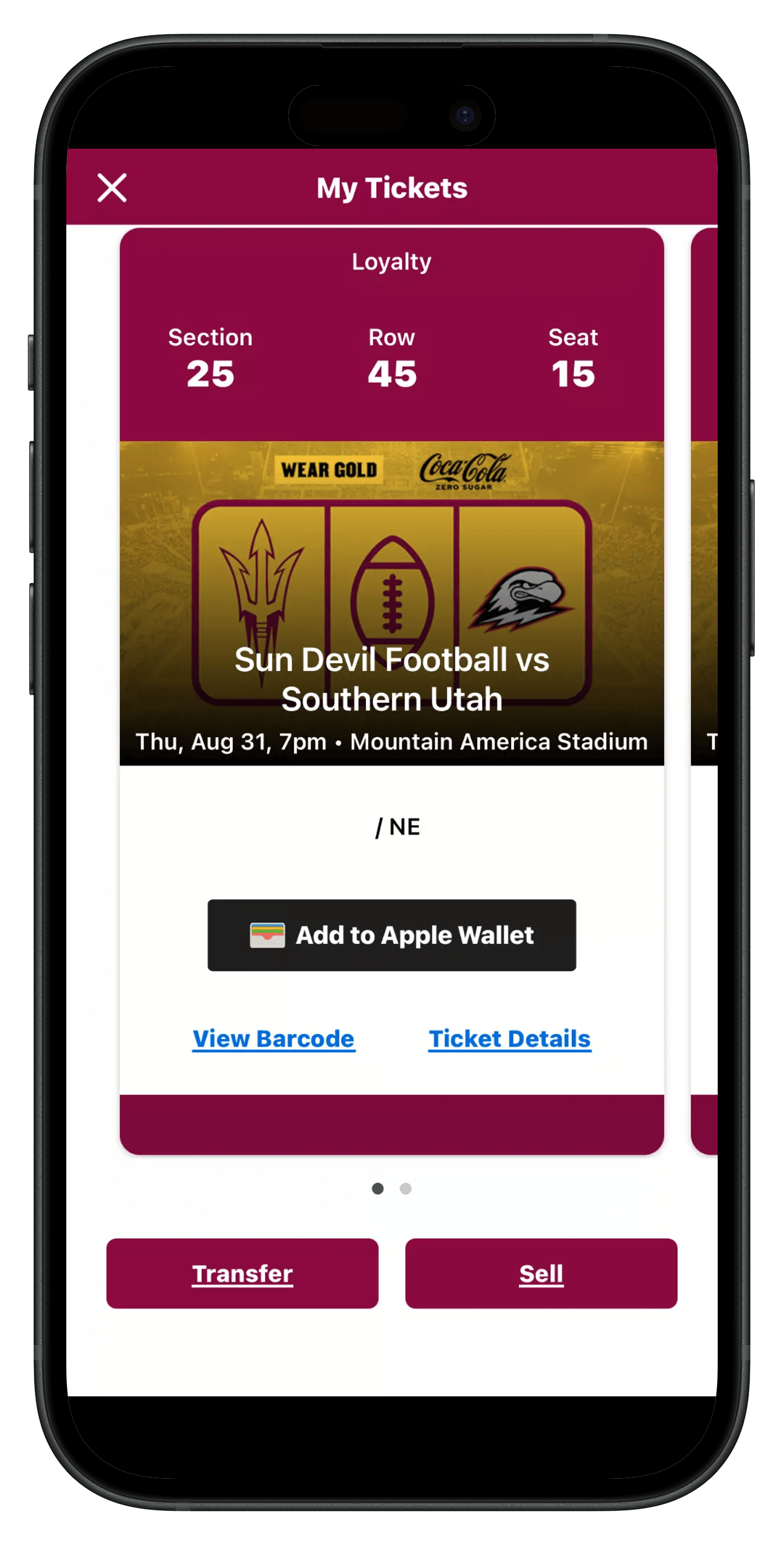
- Select the seats for transfer and select the desired recipient. Transfers are allowed via email address or phone number.
Once desired form of transfer and designated user is selected, click transfer tickets.
Accept a transfer
Via email
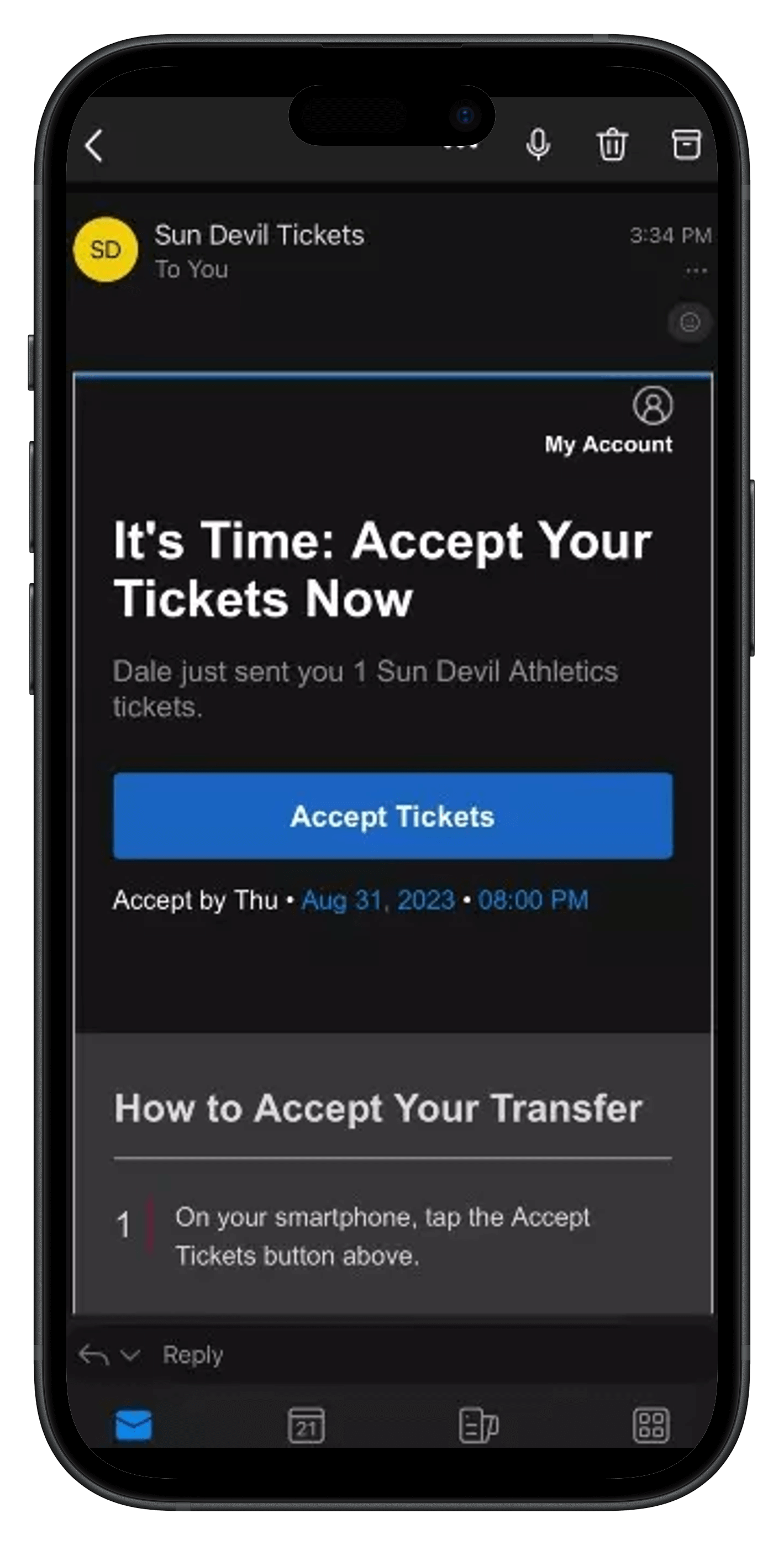
Once you've received your ticket transfer email, click the 'Accept Tickets' button. Be sure to click only once. This will take you to the Sun Devil Athletics Ticketmaster account manager where you will sign in with the email that was used to transfer the tickets to you. If you are new to Ticketmaster, please use the 'Forgot Password' button to access the account.
Via text
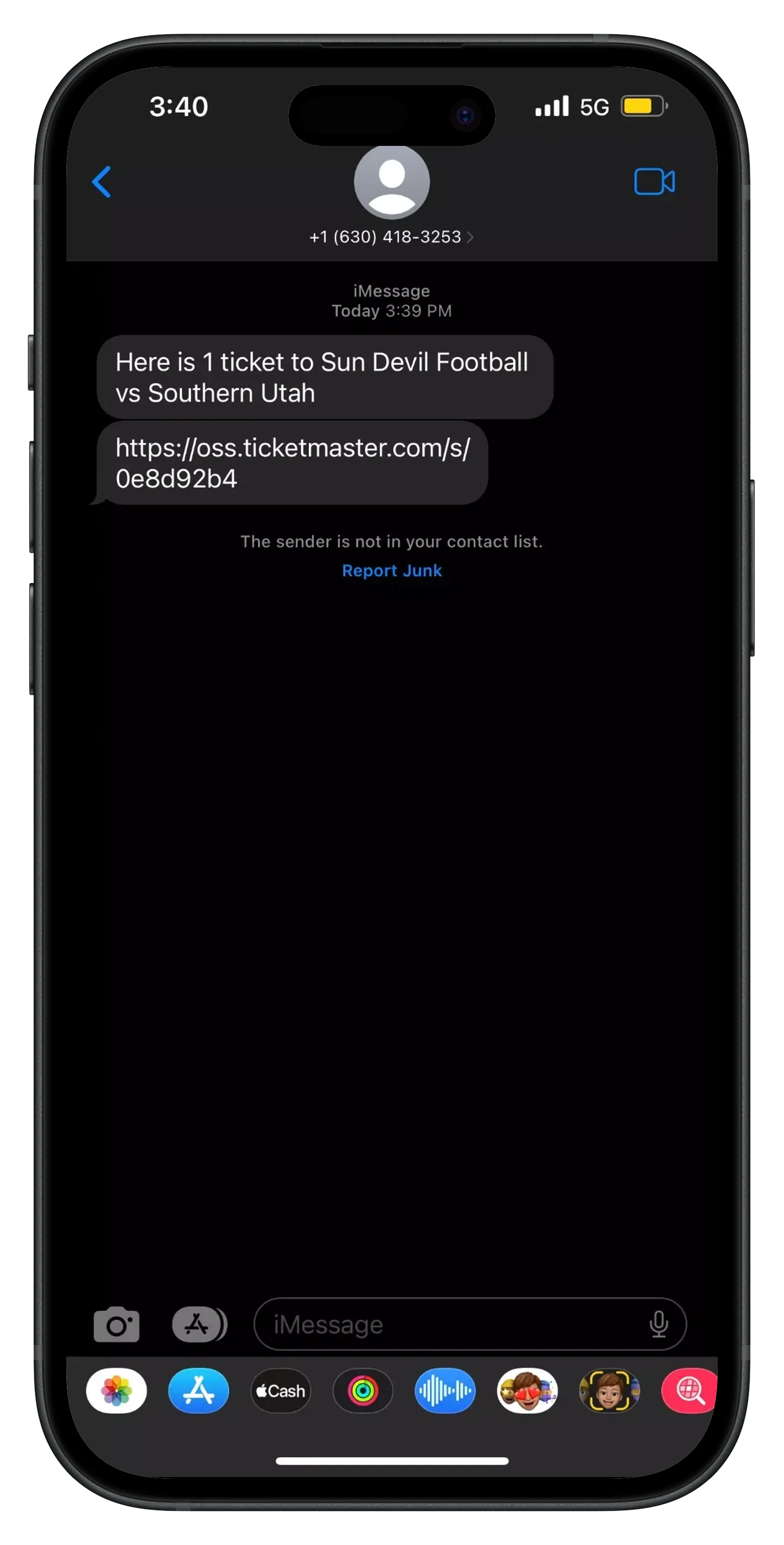
Tickets received via text will include a link. If the link is not active, please copy and paste into your web browser.
List on Ticketmaster
- To list your tickets, select the seats for your listing and click the 'Sell' button. Designate which seats you are selling for that specific event and click 'Continue.'
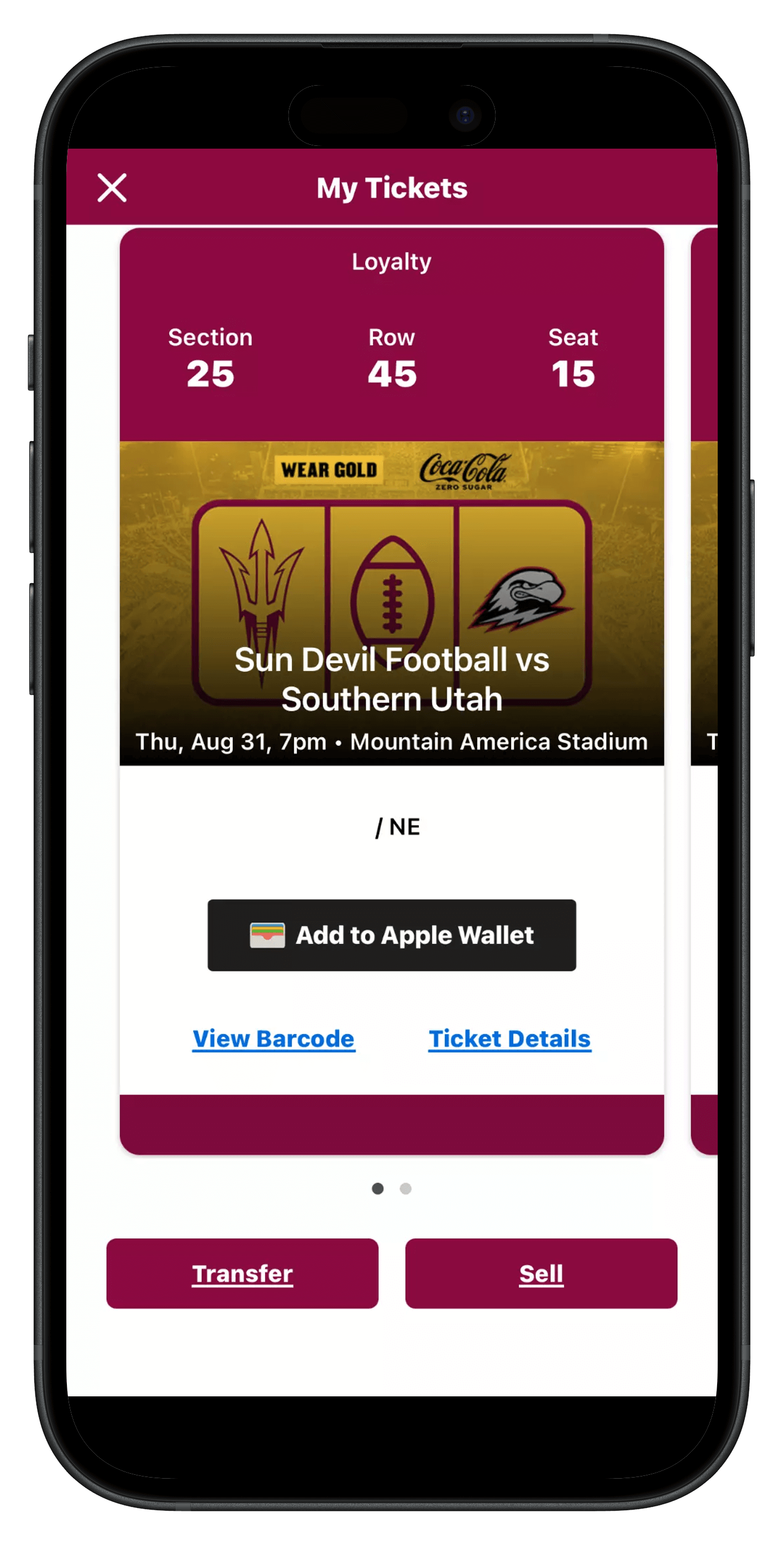
- Create your seller profile which includes your name, address and phone number. Ticketmaster will suggest a price, but you are welcome to list your tickets at your own discretionary price under the 'Price per Ticket' function.
- Select your payout method below and list your ticket. Please advise, if you select the 'Deposit to Checking Account' method of payment, you will be required to input your bank account information.
Frequently asked questions
Still have questions? We've got answers to frequently asked questions right here:
Mobile ticketing is when tickets to an event are accessed directly on a mobile device for entry.
No. You can manage your tickets on a computer, however all tickets must be downloaded to an Apple or Android smartphone and displayed on that device for entry. Tickets that are printed out will not be able to be used for entry.
No. Screenshots will not be permitted. If you need to send a ticket to someone, you can do that through your Account Manager. If you need assistance, visit the “Transfer Your Tickets” section above or call us at 480-727-0000.
Yes. You may have all the tickets on one device.
All that is needed is for one person you are attending with to have a smartphone to scan in all of the tickets. If you do not attend with anyone who has a smart phone, please visit the Sun Devil Ticket Office, located on the south side of Mountain America Stadium, on Game Day.